
 GitGut
GitGut
A fast, distraction-free visual Git client engineered for developers who want intuitive graph inspection, visual rebase, and staging control without bloat or telemetry.
Engineered For Fluid Git Workflows
Everything you need to master branching, resolve conflicts, and track your history with surgical precision.
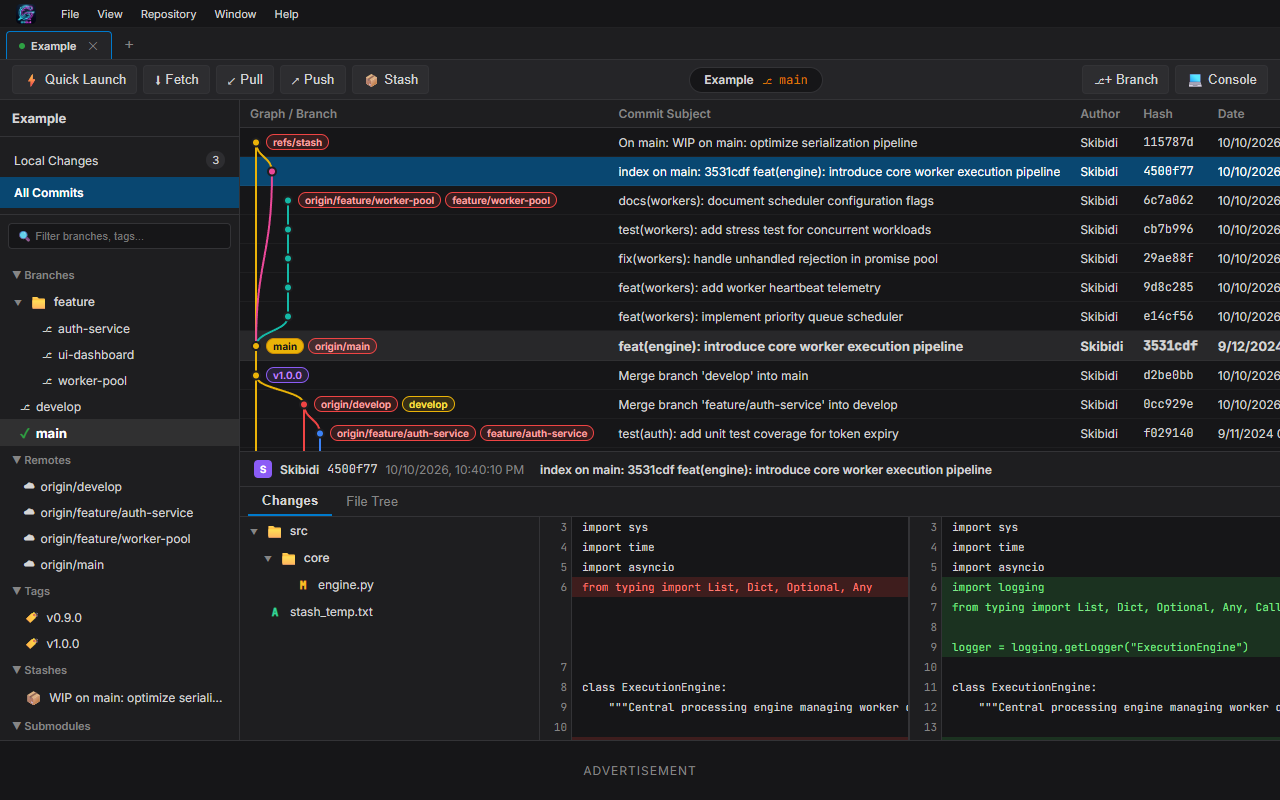
Topological Commit Graph
Color-coded branch lines, merge pointers, tag badges, and stashes rendered with buttery-smooth interactive navigation through large repos.
Interactive Rebase GUI
Reorder, squash, drop, and edit commits with a clean graphical interface. Never fear rebasing complex feature branches again.
Side-by-Side Diff Inspector
Inspect code alterations with syntax-highlighted split and unified diff views. Toggle invisible characters and inspect line changes easily.
Frictionless Staging
Stage individual files or hunks, view unstaged modifications in real-time, write commit messages, and create amend commits with a click.
Multi-Repository Tabs
Open multiple repositories in independent tabs. GitGut saves your active workspace and restores your tabs automatically when reopened.
Your Code Stays on Your Disk
Direct local file access. Works seamlessly with your existing local SSH keys, credentials, and Git configurations without sending code to third parties.
Visual Tour & Screenshots
Click any screenshot to inspect GitGut's interface in full detail.
Main Branch & History
Interactive commit tree with branch tags, remotes, and stashes.
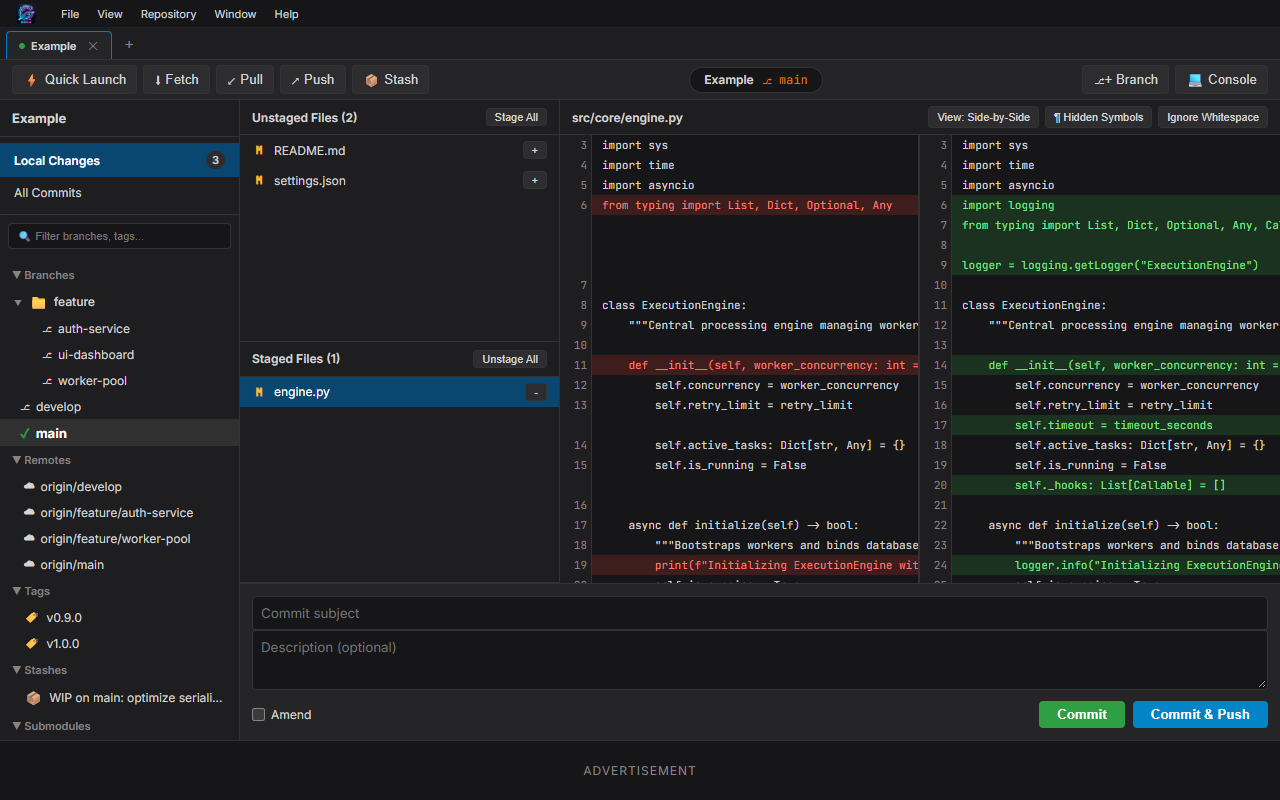
Diff Inspector
Inline and split diff views with syntax highlighting and hunk inspection.
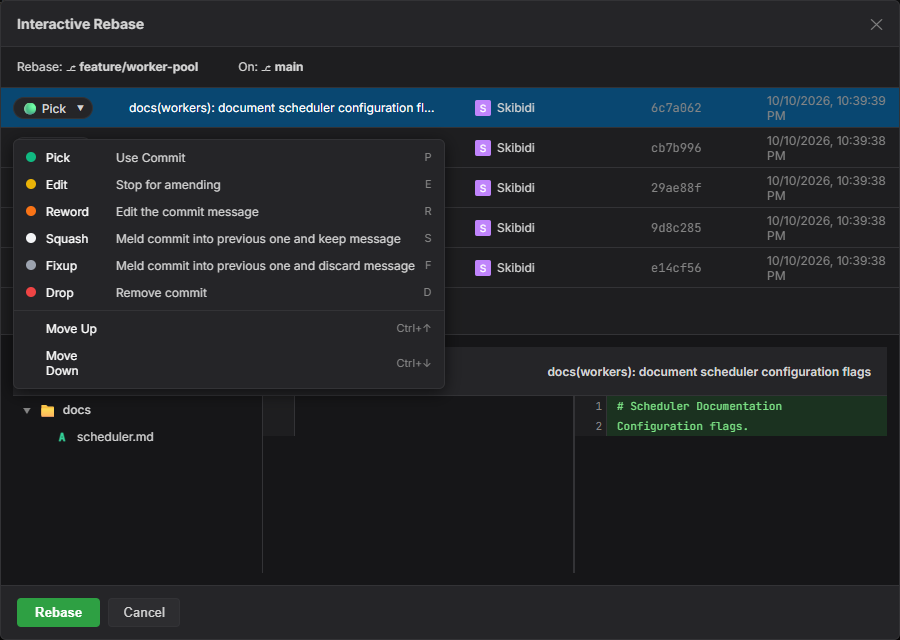
Interactive Rebase
Visually squash, reword, drop, and rearrange history without CLI friction.
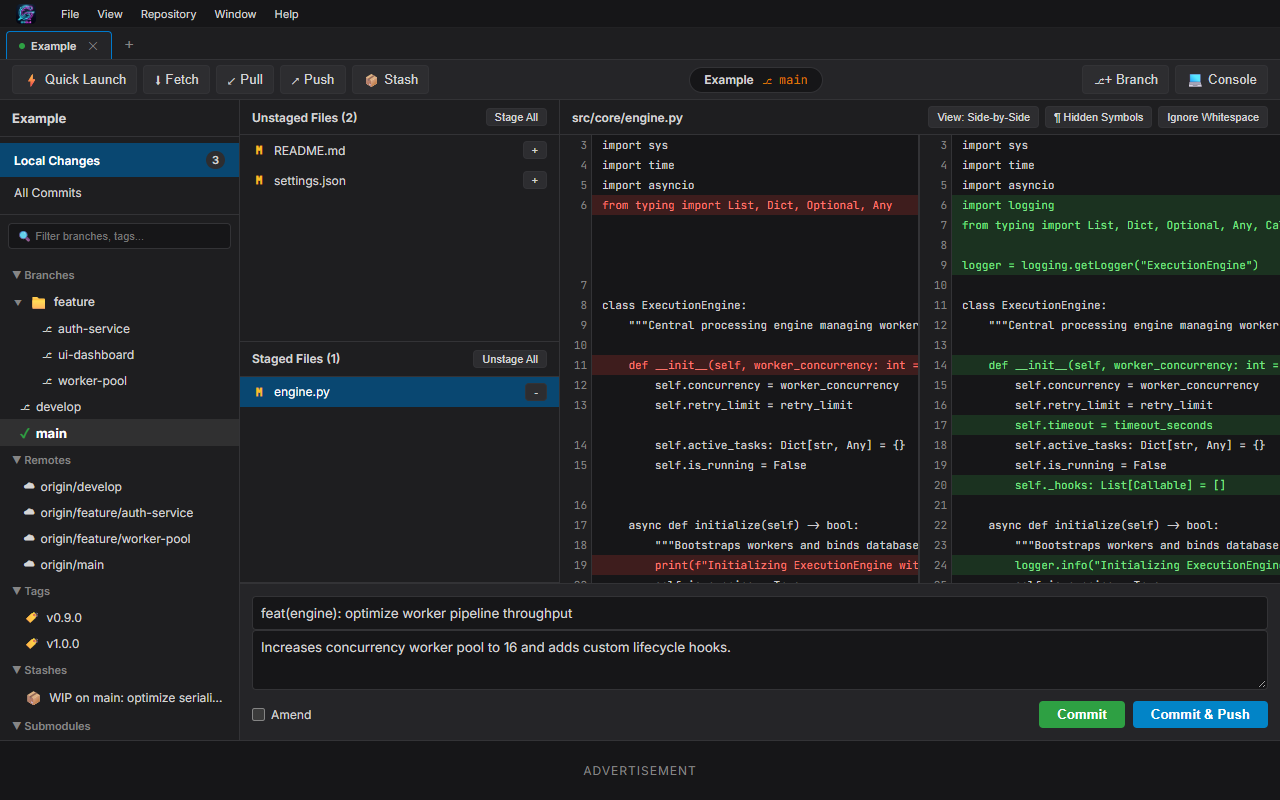
Commit & Staging
Stage changed files, review status, and commit cleanly.
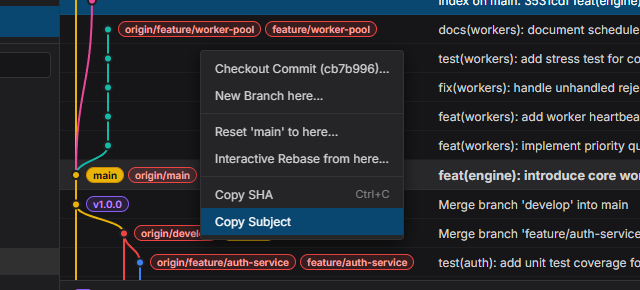
Context Actions
Right-click on any commit to branch, checkout, cherry-pick, or revert.
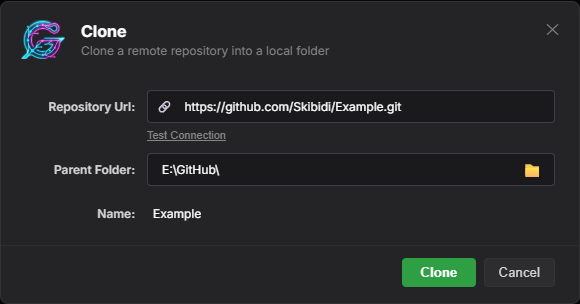
Clone Repository
Quickly clone remote repositories to your local drives.
Ready to Get Started?
Download GitGut for your platform, launch it, and enjoy visual Git productivity immediately.